Spotlight Blog

How to Design a Responsive Instagram Feed in WordPress
Tutorials

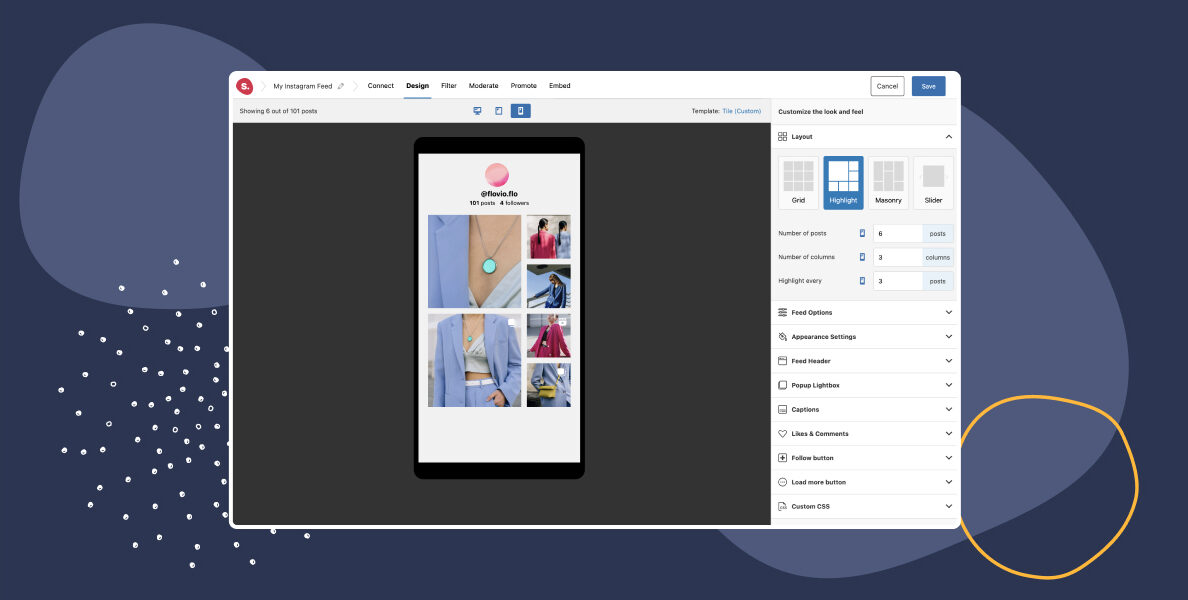
How to Design a Responsive Instagram Feed for WordPress

Creating a responsive Instagram feed for your website is crucial for ensuring a great user experience on all devices. With mobile internet usage on the rise, having a mobile-friendly website is no longer an option but a necessity. In this tutorial, we’ll show you how to create a responsive Instagram feed using Spotlight, a WordPress plugin that comes with built-in responsiveness features.

Read article
How to Display Instagram Stories on Your Website
Tutorials

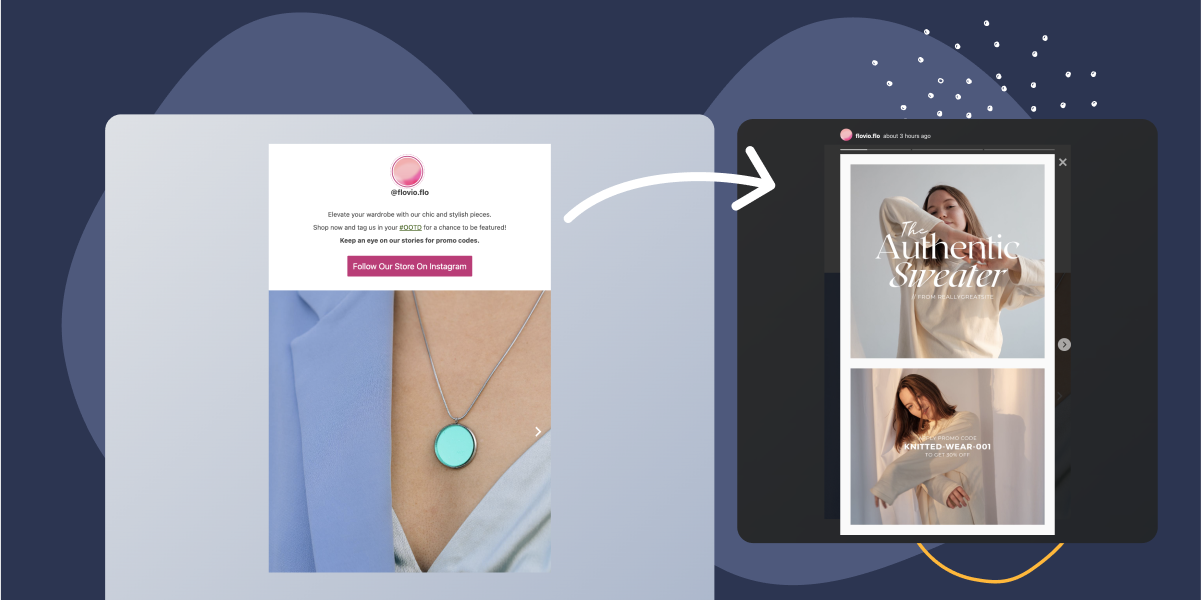
How to Display Instagram Stories on Your Website

Are you looking to boost your website’s engagement and captivate your audience with your Instagram stories? Well, the good news is that you can now display your Instagram stories directly on your website. In this post, we will guide you through the 3 steps to embed Instagram stories using Spotlight.

Read article
Show Multiple Instagram Accounts in One Feed
Tutorials

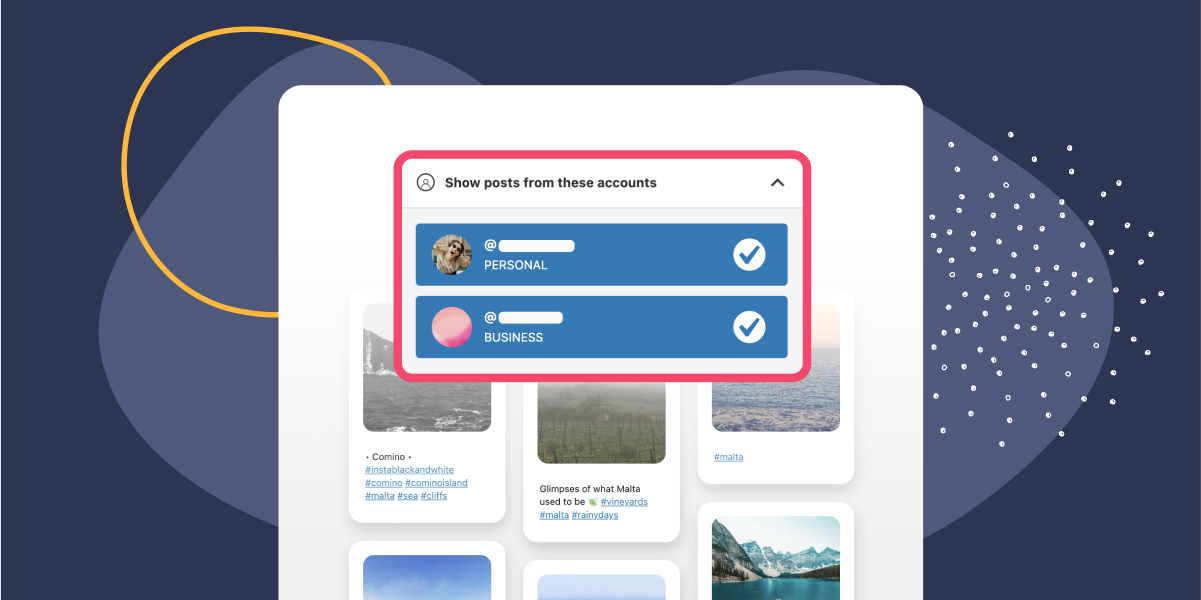
How to Show Multiple Instagram Accounts in One Feed

Displaying posts from multiple Instagram accounts in one feed on your WordPress website can be quite a time-consuming task – if you don’t have the right tools!

With an Instagram feed plugin such as Spotlight, you can now not only display all your posts at the click of a button, but you can also combine multiple accounts within one feed.

Read article
How to Filter an Instagram Feed by Hashtag
Tutorials

How to Filter an Instagram Feed by Hashtag

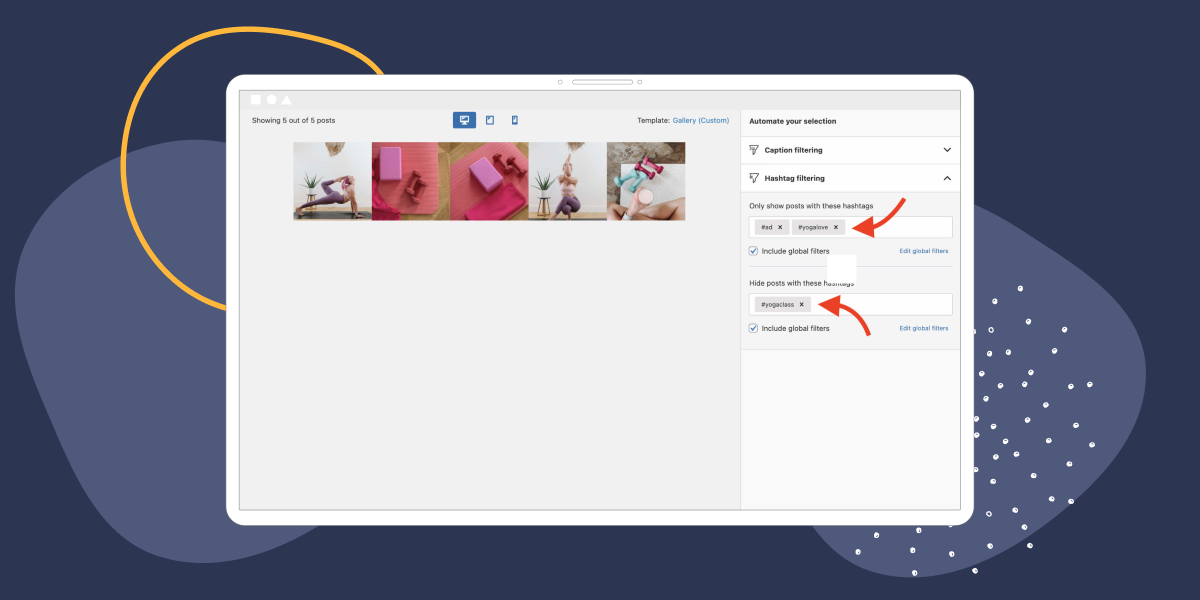
In this article, we’ll explore how to filter an Instagram feed by hashtag. We’ll also share tips and tricks for selecting the right hashtags, and filtering your Instagram feed to ensure that it aligns with your brand’s values and messaging.

Read article
Instagram Feeds Lookbook

Free Download

Instagram Feeds Lookbook

Get inspired by nine of the best use cases of Instagram feeds from real Spotlight users.