
The Thumbnails layout is available in Spotlight Essentials and above.
It shows one Instagram post at a time in a large view, with the rest of your posts as small thumbnails underneath or beside it. Clicking on a thumbnail shows that post in the large view, and clicking on the large post opens it as set in Open posts in (a popup box by default). It’s a great fit for photographers, travel bloggers, and portfolios, where the photos are the main focus.
The quickest way to get started is to pick the Thumbnail Gallery template when creating a new feed. You can also switch any existing feed to this layout from the Layout design options.

Layout options
By default, the Thumbnail Gallery template shows 12 posts in a 3:4 ratio, with one row of thumbnails under the main post.
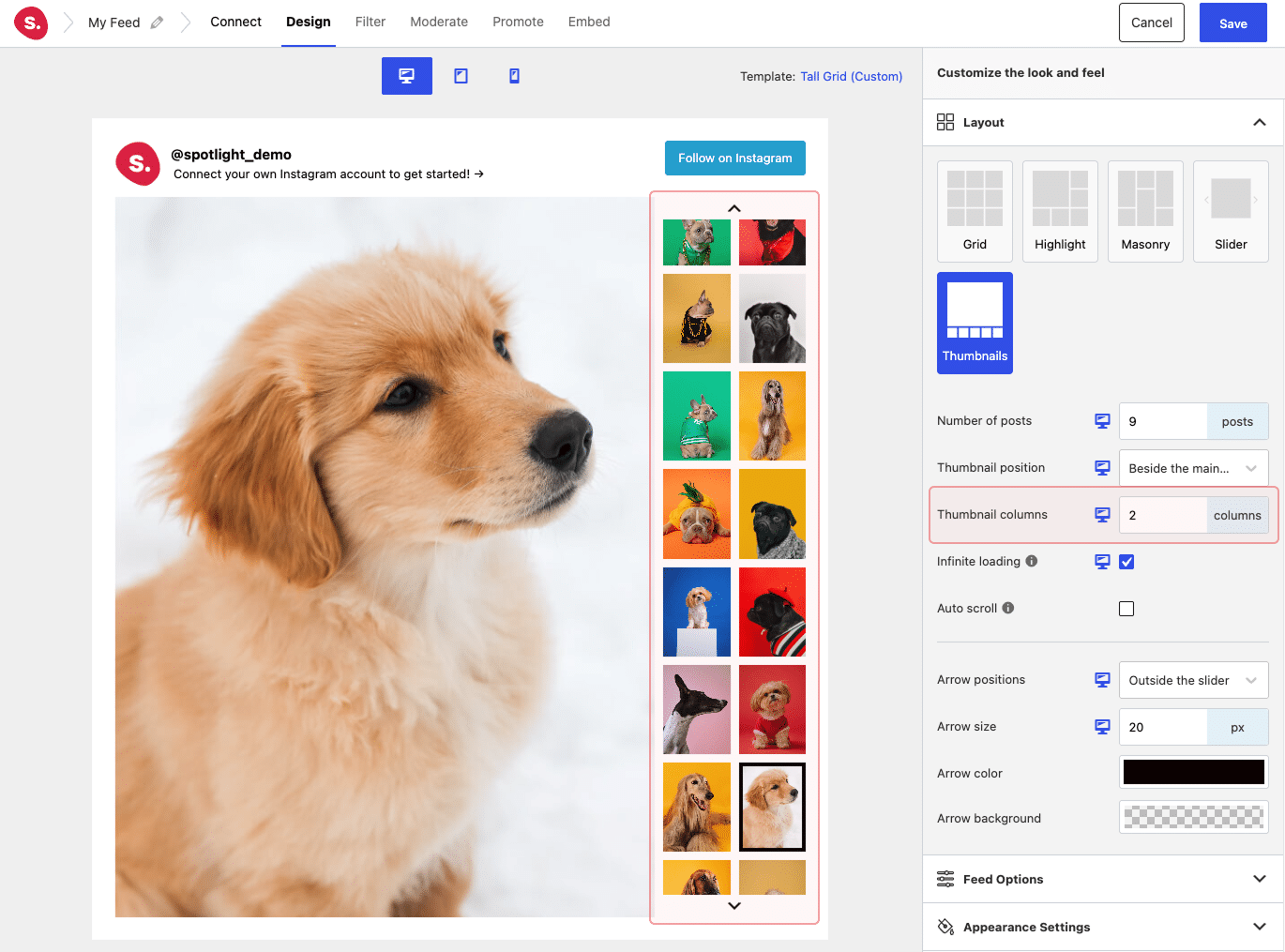
Use Thumbnail position to show the thumbnails under the main post or beside it, and Thumbnail rows to set how many rows of thumbnails to show (this becomes Thumbnail columns when the thumbnails are beside the main post). When there are more thumbnails than fit, arrows appear so site visitors can scroll through them, and on phones and tablets they can also swipe. The arrows, Infinite loading, and Auto scroll work the same way as in the Slider layout.
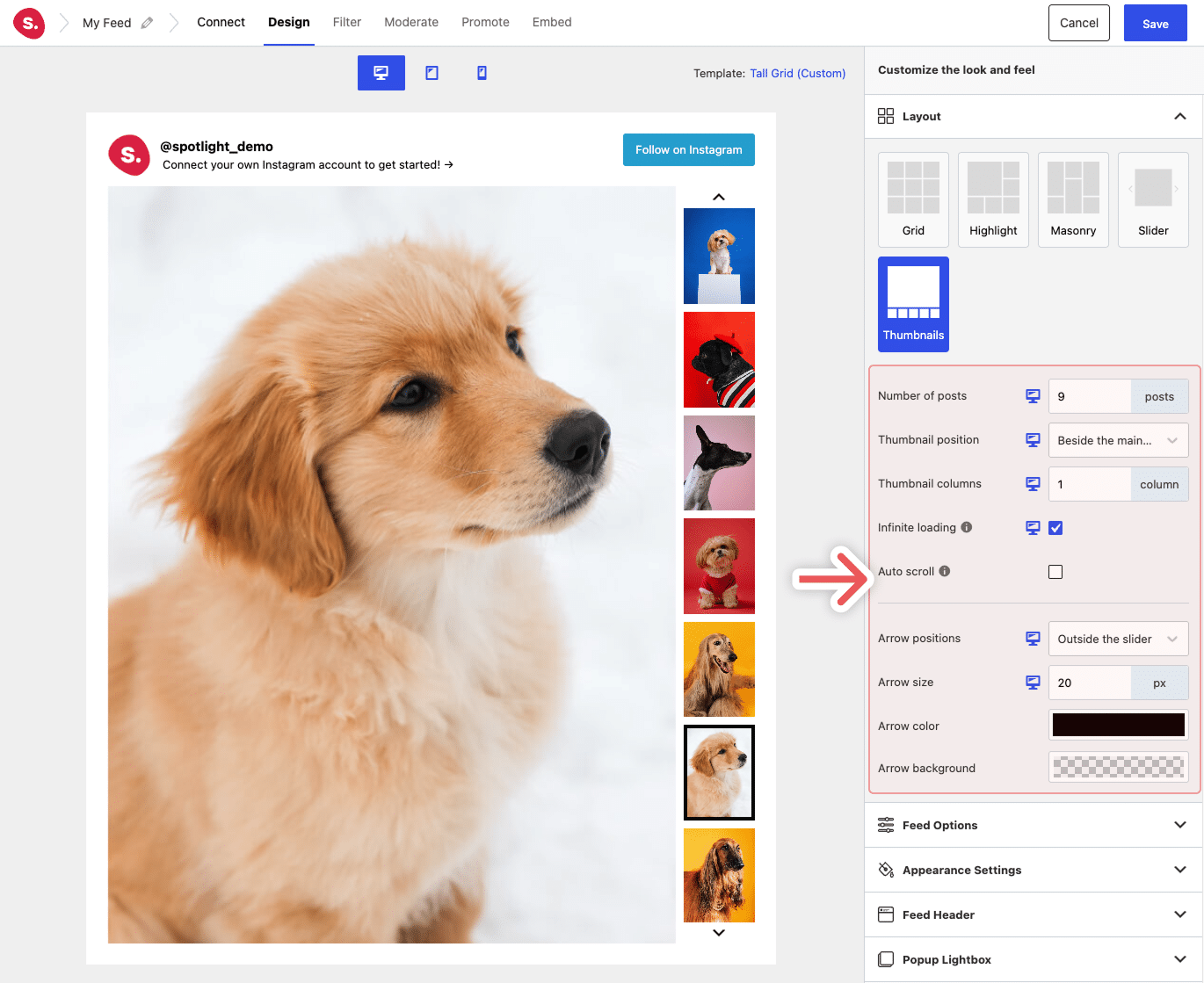
To show more thumbnails at once, increase Thumbnail rows (or Thumbnail columns when the thumbnails are beside the main post). Under the main post, each row fits 6 thumbnails, so 2 rows show 12 thumbnails at a time, and the feed gets taller with each extra row. Beside the main post, each column fits 7 thumbnails, and the large post gets narrower to make room for each extra column. Both settings can be set separately for desktop, tablet, and phone, so you could show 2 rows on desktop and keep 1 row on phones.
Appearance settings
In the Appearance Settings, you can also set the Thumbnail padding (the space between thumbnails) and the Thumbnail indicator color (the border around the thumbnail of the post being shown).

Captions and like and comment counts, when turned on, appear on a dark bar over the bottom of the large post.