
Thank you for choosing Spotlight!
There are two ways you can install Spotlight’s free version on your WordPress site.
Dashboard Plugin Search
-
From your WordPress site’s
Dashboard, click on
Plugins > Add New. -
In the Search field, enter ”
Spotlight”
and click on the
Install button that appears next to the Spotlight Social Media Feeds plugin in the search results.
-
Once it has been installed, click on the
Activate button.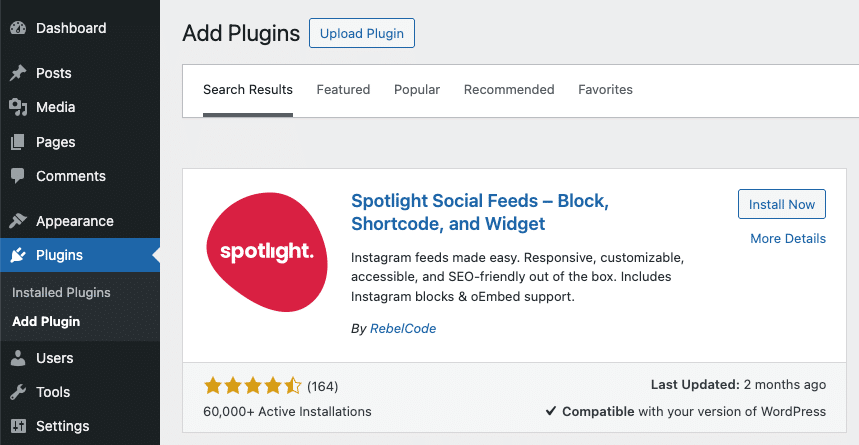
Upload Zip File
-
Click here to download the free version of Spotlight from wordpress.org.
-
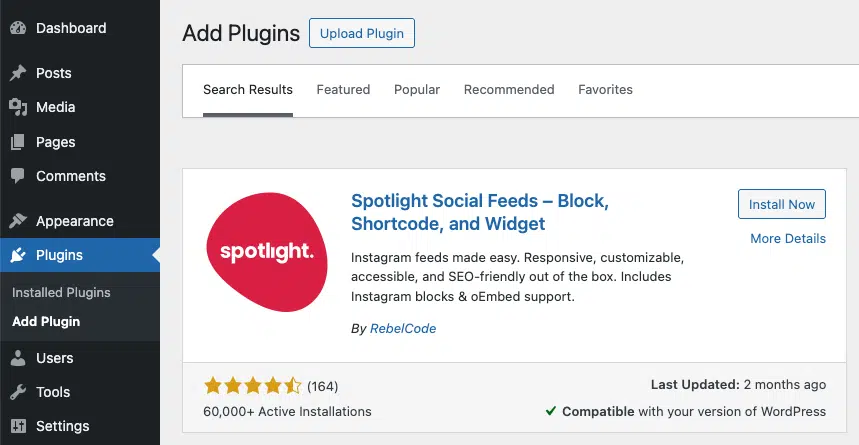
On your WordPress site, from the
Dashboard, click on
Plugins > Add New. -
Click on the
Upload Plugin button up top. -
Click on
Choose file. - Select the zip file you downloaded in step 1.
-
Click on
Install Now. -
After installation, click
Activate.

