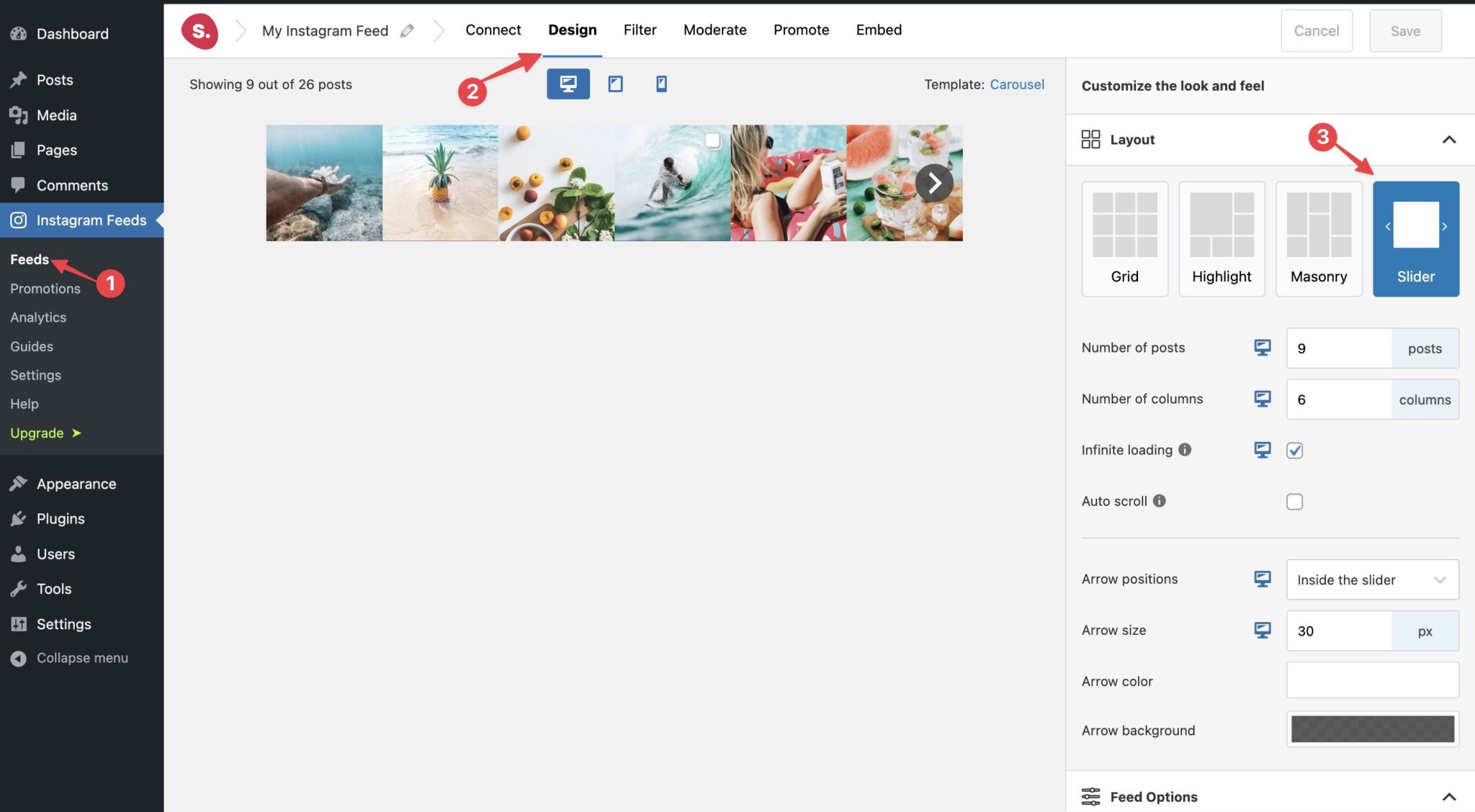
The Slider layout is available in Spotlight Essentials and above.
It gives you the option of creating all types of single-row sliders that can be used across your website. Whether as part of a page or a full-width section above your footer, it’s fully customizable.
By default, the slider uses a 5-column layout to show the first 5 posts. Infinite loading allows site visitors to scroll through your entire feed, but if you wish to limit the number of posts visible in the slider, simply turn it off and set a maximum number of posts to be loaded. It includes arrows to navigate right and left which can be positioned inside the slider or outside it. The arrows themselves are also customizable and the rest of the design options are all applicable.