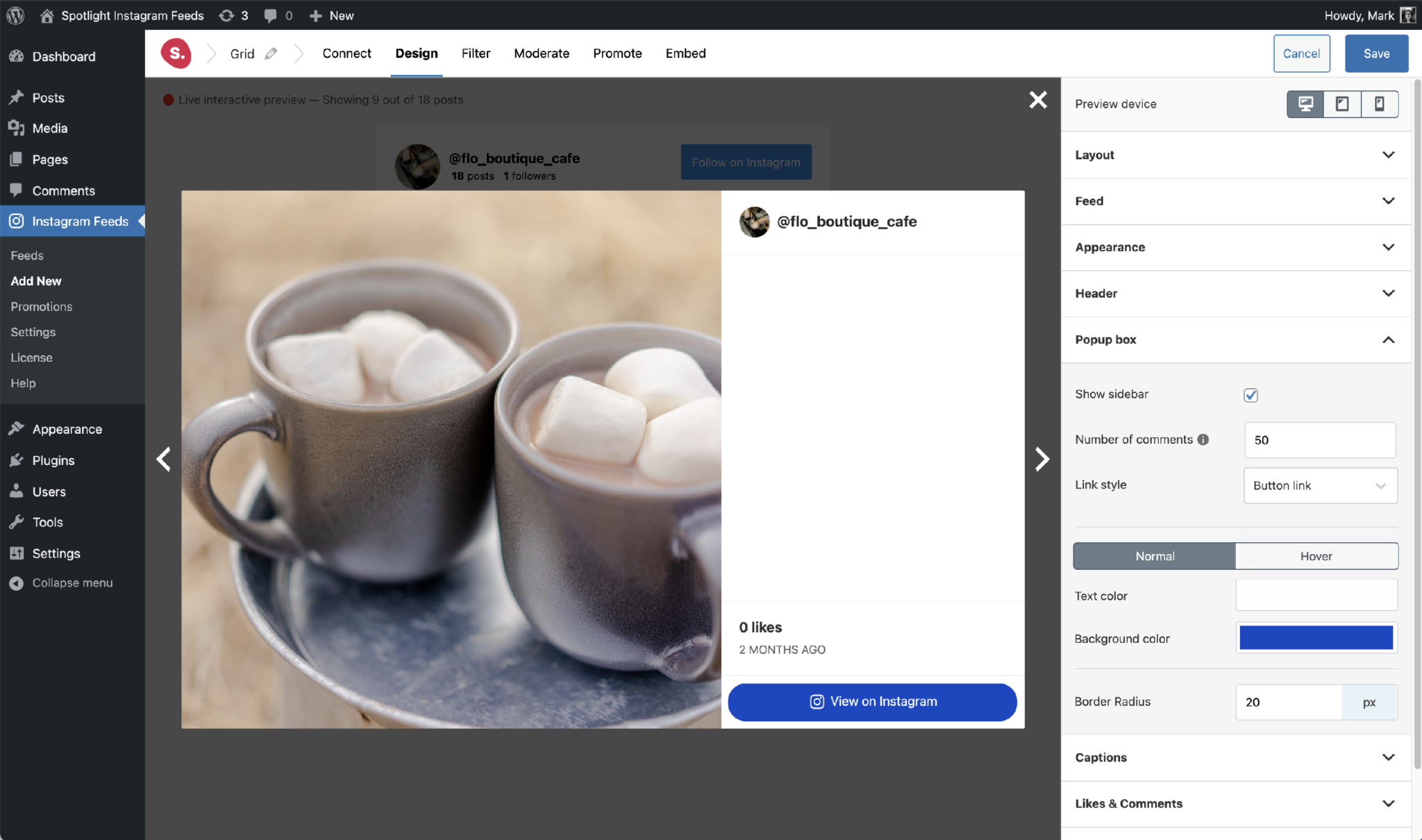
In the Popup box section of the feed editor’s Design step, set up what the popup box (lightbox) will look like.
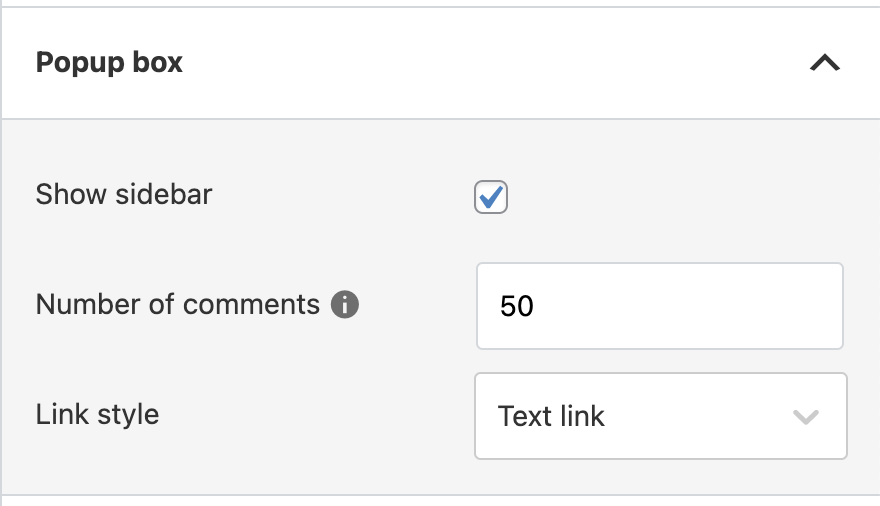
-
[
Pro
] Show sidebar determines whether to show a sidebar for each post in the popup box. This sidebar will display the user profiles, captions, comments, and a link to view the post on Instagram itself.
-
[
Pro
] Number of comments determines just that; the number of comments to be displayed in the sidebar. Due to Instagram limitations, comments are only available from posts that are published on an Instagram Business account. They cannot be shown for Personal accounts, tagged post feeds, or hashtag feeds.
-
[
Pro
] Link style determines whether to show the
View on Instagram text link (or any other link set in
Promote) as a simple text link or a button. If you choose
Button link, it will give you the option of styling the button’s background and text colors (normal and hover), as well as its border radius, as seen below.