Spotlight comes with a powerful Media Management tool (Agency feature). You can control the storage, dimensions, and quality of your Instagram posts from here. You can access the tool from Settings > Tools > Media management.
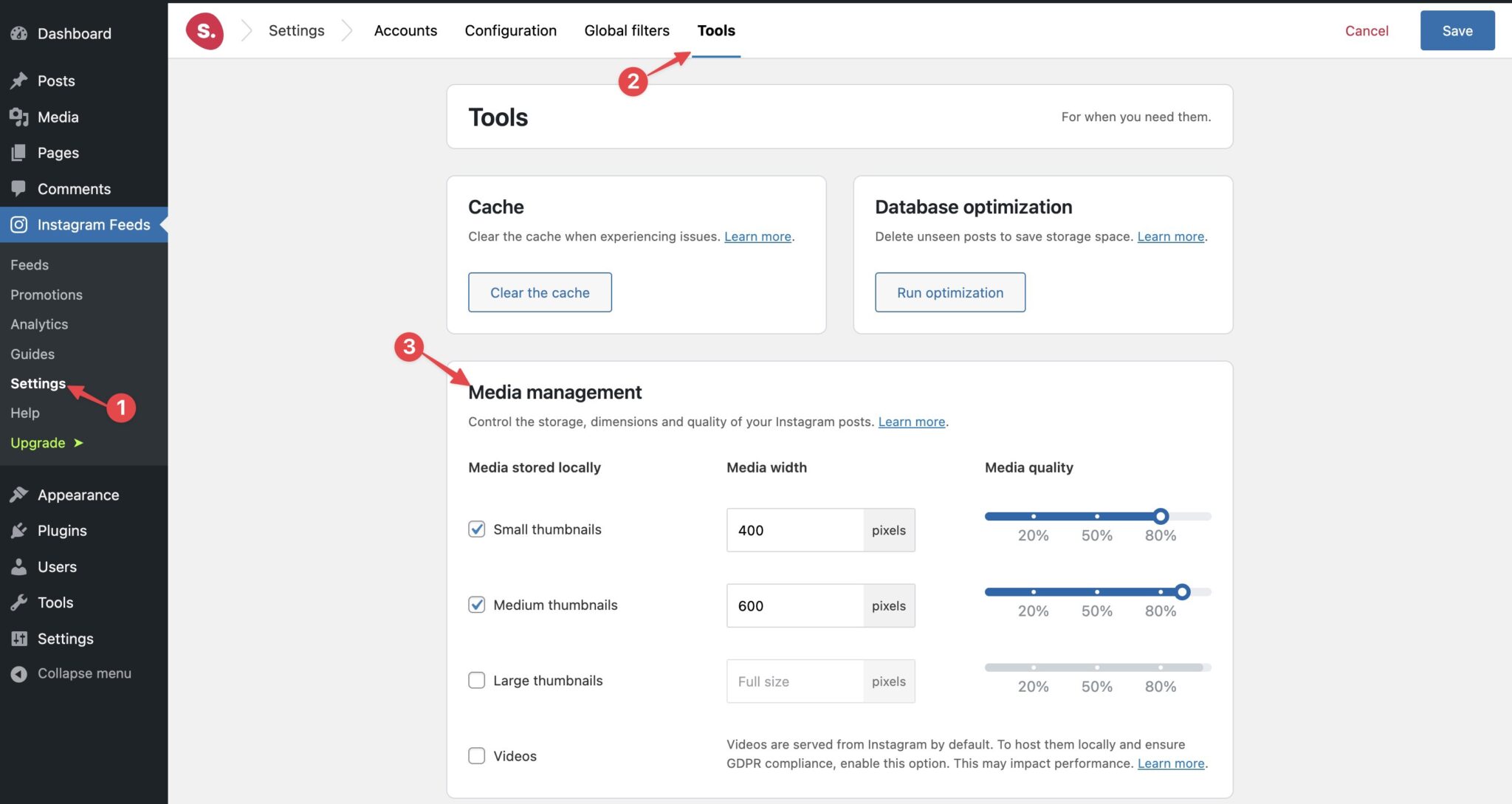
You can set the width for the Small, Medium, and Large thumbnails as you prefer. You can also optimize the image quality with the interactive slider.
If you want to host your videos locally and ensure GDPR compliance, you can also do that by enabling the Videos option.
Regenerate Thumbnails
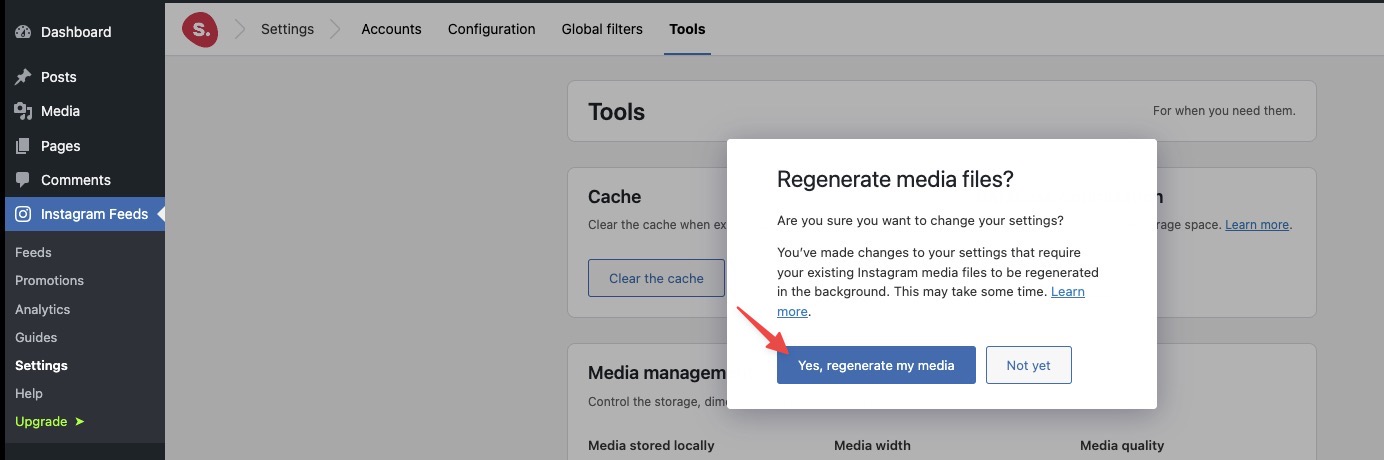
At some point, if you want to change the thumbnail width, you can do that. After changing the width, you'll be prompted to regenerate the media files and it'll make all the thumbnails the same width.