
Spotlight has the option of displaying Instagram posts in which your account/s is/are tagged in.
IMPORTANT: In order to display posts that your Instagram account is tagged in, Spotlight requires the use of an Instagram Business account and a valid Spotlight Pro license.
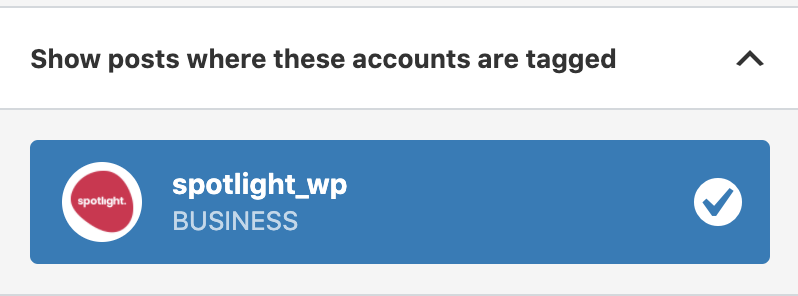
Here’s how to add tagged posts to any feed:
- Add a new feed or edit an existing one.
-
On the
Connect step, go to the
Show posts where these accounts are tagged section. - Click on the Instagram Business account/s for which you want to display tagged posts.
-
The
live preview will then be automatically updated with your tagged posts.
That’s it. You can now go on to design your feed or embed it right away.

