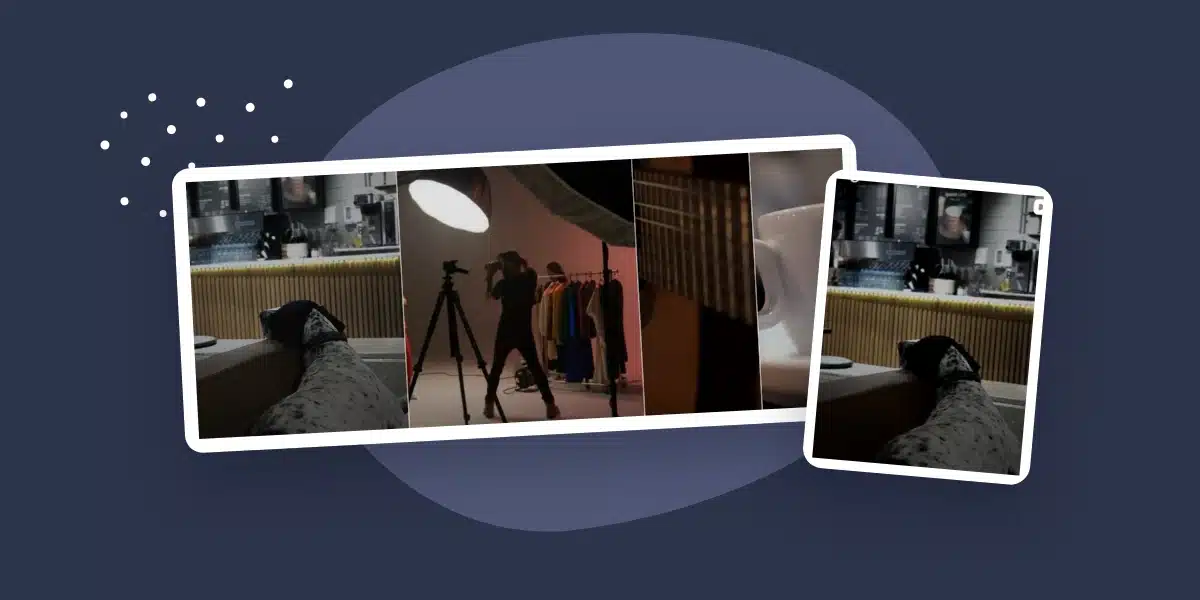
Elfsight’s free Instagram Feed widget works on WordPress, and you don’t have to pay to get a carousel. The harder question is whether its 200 monthly views are enough for the page where you want to put it.
We created a free Elfsight account, added Spotlight’s public Instagram username, and installed the resulting widget on a separate WordPress site. The feed loaded without an Instagram login. We then saved different layouts, checked the mobile result, and opened a Reel from the feed.
Elfsight is worth considering for a low-traffic page, especially if you want a free carousel without changing your Instagram account.
If you want to manage multiple feeds inside WordPress, Spotlight Free deserves a look. But it isn’t a like-for-like swap: you’ll need a Business or Creator account, and its free layout is a grid.
We make Spotlight. This review separates what we tested in Elfsight Free from published policies and our Spotlight Free checks. We did not buy or test a premium Elfsight plan.
What does Elfsight’s free plan actually give you?
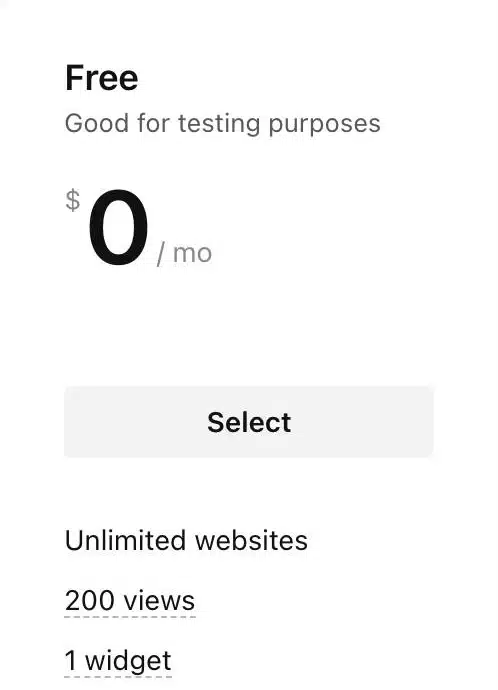
Our account showed one Instagram Feed widget and a monthly allowance of 200 views. The free option also listed unlimited websites and Elfsight branding. We selected that plan and installed the widget without entering payment details.
One widget is not one website
You can reuse that saved widget on more than one website. You aren’t getting a fresh allowance for every installation, though: Elfsight’s view limit applies to the app across its widgets and websites.
A view is not a visitor
Elfsight defines a view as a load of a page containing the widget. The same person can generate multiple views. They don’t need to click a post or scroll down to the feed for the page load to count.
That matters if you put the feed in a sitewide footer. For example, 100 visitors each opening three pages containing the widget would mean 300 page loads, already more than the free allowance. This is an illustration of the policy, not a result from our test.
Choose the placement before you choose the plan.
A feed on a rarely visited gallery page may fit the free allowance. The same feed across every page of a busy site may not.
According to Elfsight’s view-limit documentation, exceeding the allowance makes the widget disappear from the website until the next reset or a plan upgrade. It stays available in the dashboard. We verified the allowance shown in our account; we did not deliberately exhaust it.
Expect a branding badge
Our visitor-facing widget displayed a “Free Instagram Feed Widget” badge below the posts. Elfsight lists branding removal as a paid-plan benefit. If a client requires an unbranded result, factor that in before spending time styling the free widget.
Setting it up on WordPress
Elfsight’s editor lives in your Elfsight account, outside WordPress. For this test, we didn’t install an Elfsight WordPress plugin. We created the widget in its dashboard and pasted the supplied embed code into a WordPress Custom HTML block.
- Create an Instagram Feed widget. Choose Instagram Feed from the app catalog, then select a starting template. We began with Grid.
- Add your source. We chose Account and entered the username of Spotlight’s own Instagram profile. Elfsight collected the public posts and displayed them in the preview without asking us to log into Instagram.
- Save and choose Free. Publishing the widget led to plan selection. We selected the $0 option and received a script plus a widget-specific container.
- Place your own embed code in WordPress. Add a Custom HTML block where the feed belongs, paste the code from your Elfsight account, and preview the page.
The widget-specific part of that code matters. Use the code from your own account rather than copying another website’s widget ID.
Do you need a professional Instagram account?
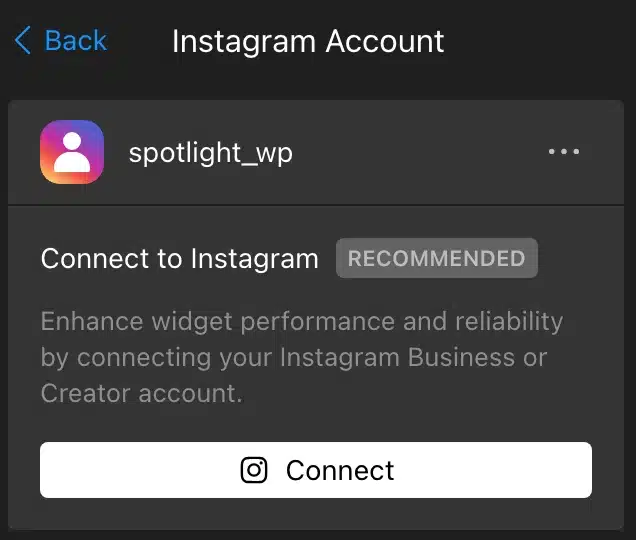
Not for the public-username route we used. Elfsight’s connection documentation says its public sources work without an Instagram login, provided the account is public and has no age or country restrictions.
That’s a meaningful distinction from Spotlight, which requires authorization from a Business or Creator account. Elfsight also offers an authenticated connection for professional accounts and recommends it in the editor for performance and reliability. We tested the public route, not both connection methods.
The free carousel worked outside the editor
Some product previews show options that disappear behind a paywall when you save. That wasn’t what happened with Elfsight’s carousel in our test.
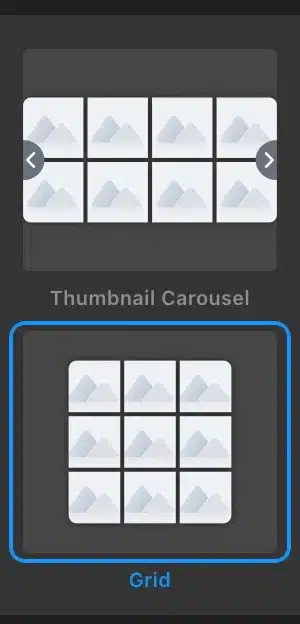
We first published a Grid feed, then changed it to Thumbnail Carousel, saved it, and reloaded the WordPress page. The carousel appeared on the actual site while the account remained on Free.
Changing the saved layout did not require replacing the embed code.
ELFSIGHT FREE
SPOTLIGHT FREE
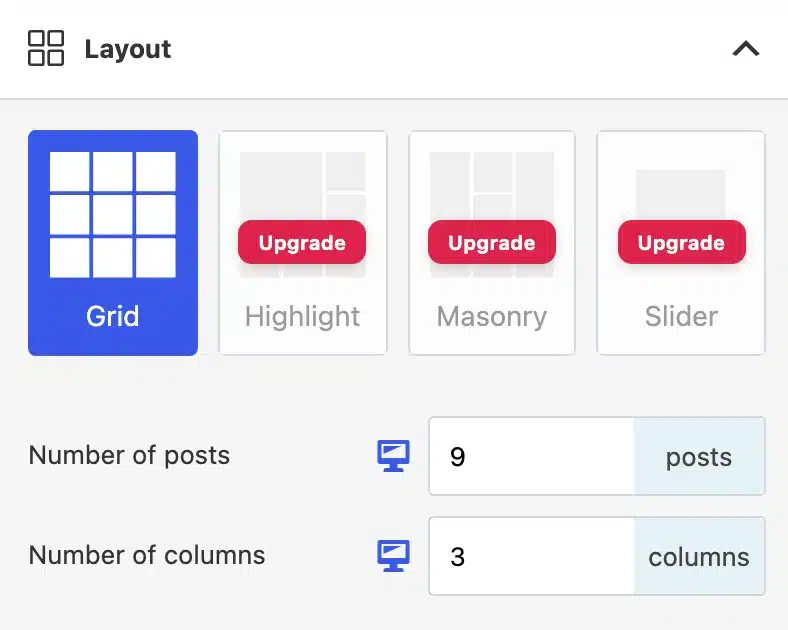
Elfsight’s editor also offered Showcase Carousel and Masonry. We’re not counting those as separately tested layouts. Likewise, Spotlight’s Highlight, Masonry and Slider controls showed an upgrade requirement in our clean free installation.
Mobile and post interaction
At a 390-pixel viewport width, the Elfsight carousel showed a single post with a next arrow and the free-widget badge underneath. The test page had no horizontal overflow.
On desktop, clicking a Reel opened it in a popup over the page.
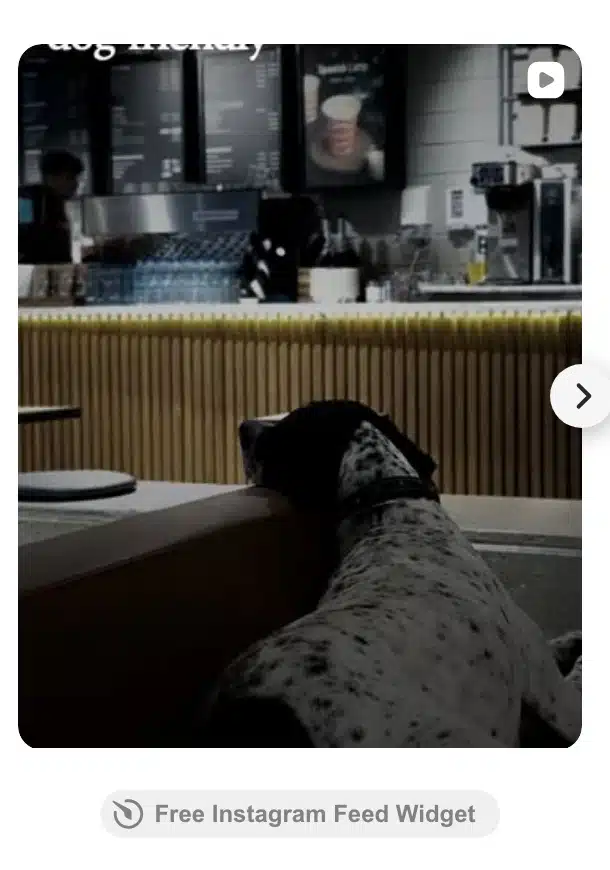
Preview the feed on your own site before publishing it, since your theme and page layout will affect how it looks.
How often does the feed update?
Layout changes and new Instagram posts are different kinds of updates. We verified that a saved layout change reached the embedded widget. We did not measure how long a new Instagram post takes to appear.
Elfsight’s Instagram Feed documentation states a 48-hour cache refresh interval.
Don’t choose it on the assumption that every new post will appear on your website immediately. If same-day campaign content matters, establish whether the documented update behavior meets your needs before relying on it.
You’ll return to Elfsight’s dashboard to edit the widget. WordPress holds the embed code; it doesn’t become the feed editor. Keeping the same widget means the existing embed can pick up saved changes without a new code snippet.
While setting up your feed, stay logged into Elfsight in the same browser and on the same device. Elfsight says this excludes your own page visits from the allowance.
When is Spotlight Free a better alternative?
Start with your Instagram account and the layout you actually need. Moving to Spotlight makes more sense when you own or manage a Business or Creator account, want to work inside WordPress, and are happy with a grid.
Spotlight’s free plugin supports unlimited connected accounts and feeds, responsive design controls, and embedding through a block, shortcode or widget. You can create different feeds for different parts of your WordPress site rather than configure everything through one hosted-widget dashboard.
We also connected our Instagram account to Spotlight Free and added a grid to another page on the test site. Nine posts loaded in both the desktop and mobile layouts, with no sideways scrolling. The Load More Posts button brought in another nine posts.
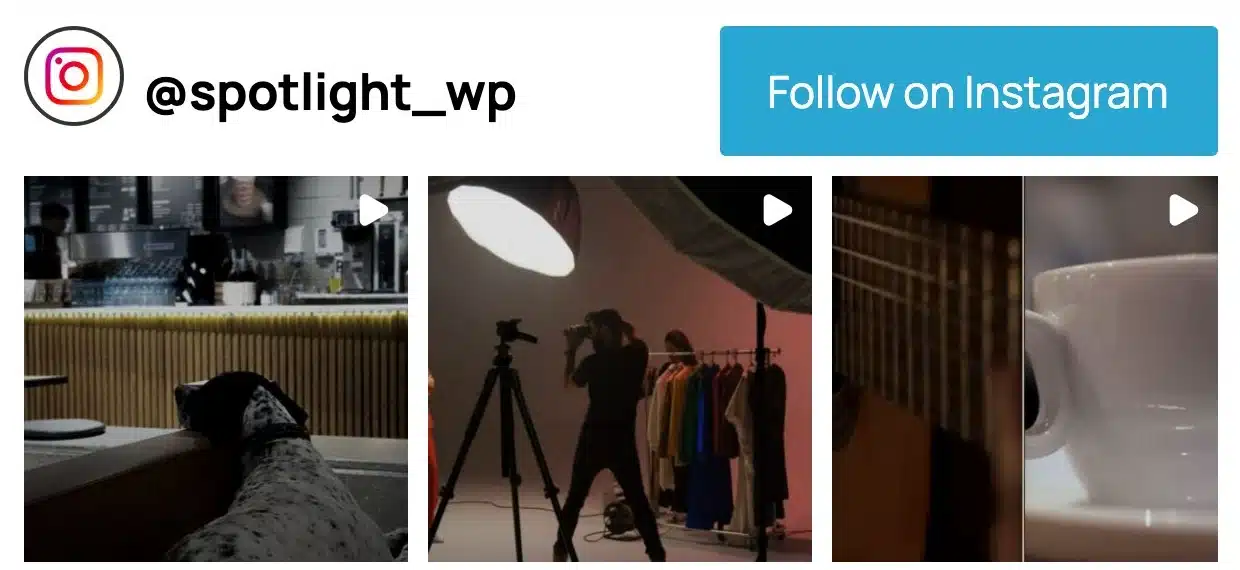
We tested the free versions of both products. The unlimited-feed allowance comes from Spotlight’s product documentation.
Keep Elfsight on your shortlist if public-username access or a free carousel is essential. Spotlight Free would change those requirements.
A tool that avoids one limitation but forces you to give up the layout or account setup you need is not automatically an improvement.
Consider Spotlight if the site runs on WordPress, the account can authorize a connection, and you want several feeds managed alongside the rest of your site.
Our WordPress Instagram feed setup guide walks through the process. If you’re unsure about account eligibility, read the Creator versus Business account comparison first.
If you decide to switch
Build and preview the replacement on a separate page before removing your working Elfsight embed. Check the source account, post count, mobile layout and click behavior. Then replace the embed in the intended location. You’ll set up the account connection and feed design again in Spotlight.
How we tested
We installed both free feeds on a separate WordPress test site using our own Instagram account.
We checked Elfsight’s grid, carousel and Reel popup, then tested Spotlight’s grid and Load More Posts button. We also checked how both feeds looked at desktop and phone screen sizes.
We didn’t test paid plans or track reliability over several weeks. Details about Elfsight’s monthly view limit and update schedule come from its documentation.